How to Send Professional Invoices as a Freelancer (and Get Paid Faster)
A simple invoicing routine that looks professional, removes awkward follow-ups and helps clients pay you on time.
On this page
Late payments are one of the most common problems freelancers face. Most of the time the client is not refusing to pay — the invoice was unclear, it got lost in an inbox, or nobody reminded them. A clear invoicing routine fixes most of this.
1. Agree on payment terms before you start
Write the price, the deposit and the due date into your proposal or contract. A common setup is 50% upfront and 50% on delivery, with payment due within 7 or 14 days. When terms are agreed early, the invoice is just a reminder of something the client already accepted.
2. Put everything the client needs on one page
- Your business name, address and email
- The client’s name and company
- An invoice number and the invoice date
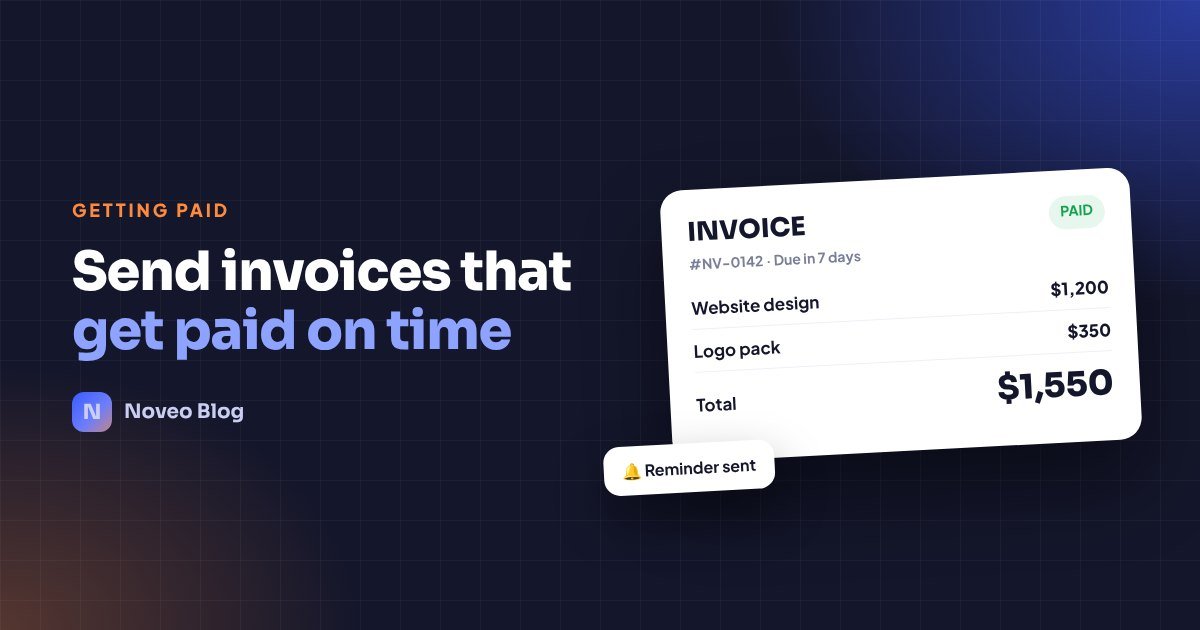
- A clear list of the work, with quantities and prices
- The total, the due date and how to pay (bank transfer, PayPal, card)
If the client’s accounts team has to email you to ask “how do we pay this?”, you have just added a week to your payment time.
3. Send it the same day you deliver
The client is happiest right after receiving the work. That is the best moment to send the invoice. Waiting until the end of the month only pushes your payment further away.
4. Make paying easy
Give one or two simple ways to pay. A link the client can click is better than a long list of bank details. If you work with international clients, say which currency you expect.
5. Remind politely — and automatically
A short, friendly reminder three days before the due date, on the due date and a few days after is normal business practice. Automating this means you never have to write the awkward message yourself.
How Noveo helps
In Noveo you create an invoice from a project in a few clicks, share a private link with your client, and turn on automatic reminder emails. When the client pays, you mark it paid and send a receipt — and your income report updates by itself.
Clients, projects, time, invoices and money — free to start.
Try Noveo free