Clients, projects and payments, all in one place.
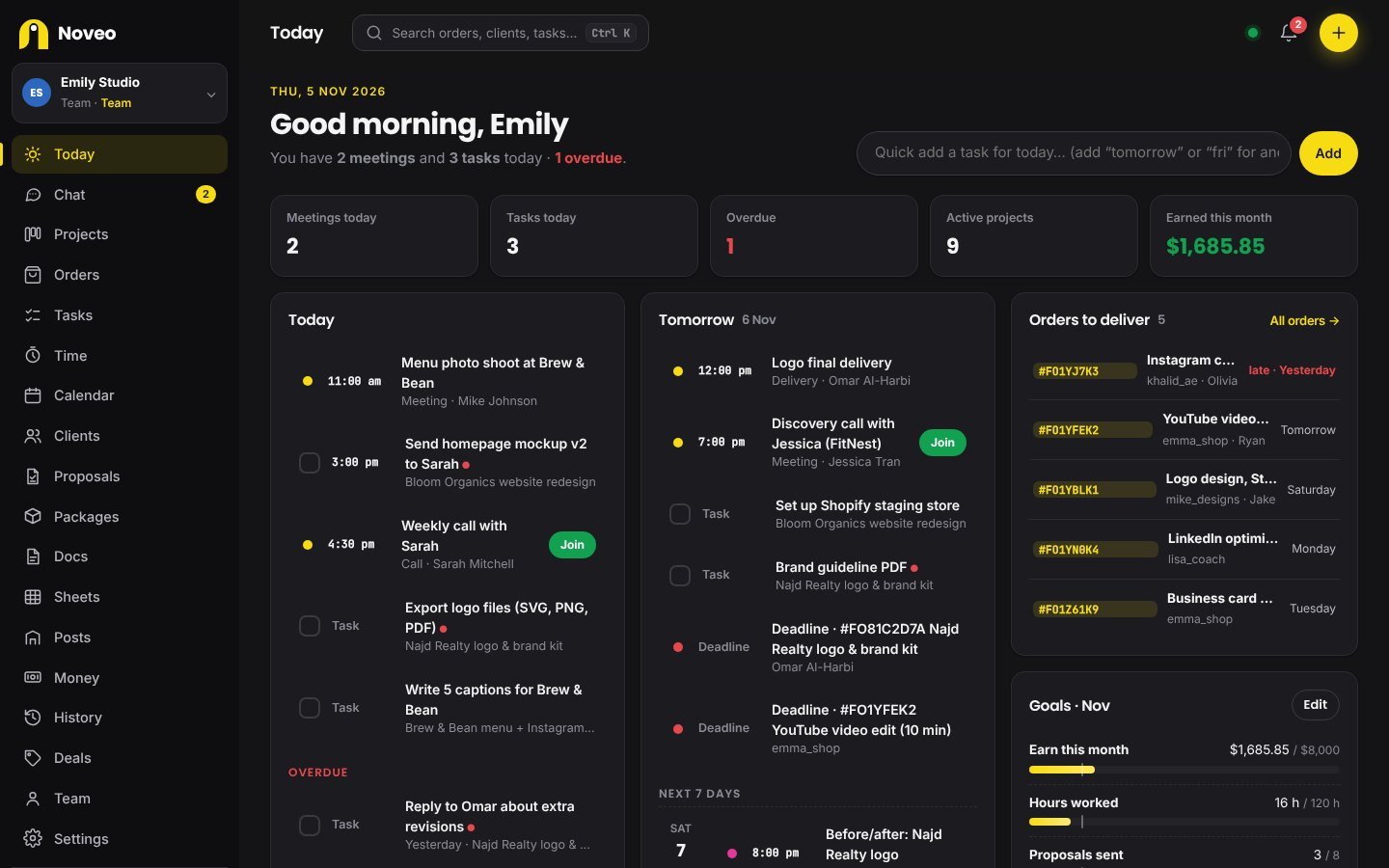
If your work lives in a notes app, three spreadsheets and your WhatsApp chats, Noveo pulls it together. Clients, projects, meetings, docs and money sit side by side, and the Today screen shows what needs doing first.
✓Free trial✓No card needed✓Your files stay in your own Google Drive
What you get in one account
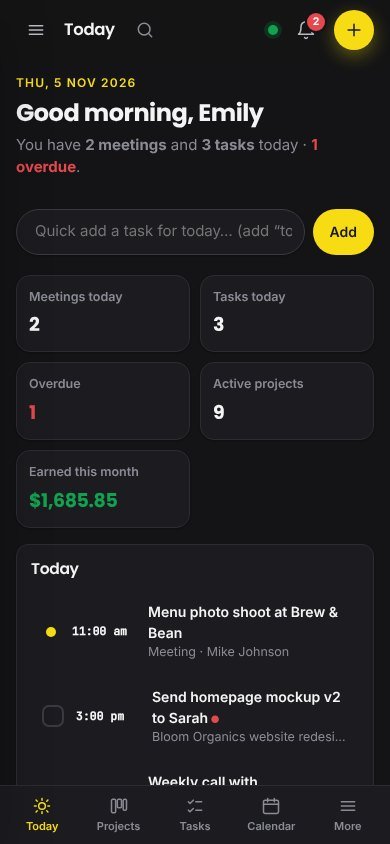
Clients, projects, meetings, docs and money sit side by side.
Today, tomorrow, next 7 days
One screen with your meetings, tasks, deadlines, posts and renewals for today. Scroll down for the rest of the week.
- Meetings, tasks, deadlines, posts and renewals
- Shows what needs doing first
- Reminds you before meetings on your phone
Projects board
Lead, in progress, waiting on client, review, done. Drag a card when things move, and keep the deadline and budget on it.
- Lead, in progress, waiting on client, review, done
- Deadline and budget on each card
- A signed proposal becomes a project in one tap
Docs
Briefs, meeting notes, proposals and onboarding guides. Start from a template, use / for blocks, nest pages inside pages.
- Templates for briefs, notes and proposals
- Type / to add blocks
- Nest pages inside pages
Sheets with formulas
Budgets, rate cards, content lists. SUM, AVERAGE, IF and the usual ones. Paste from Excel, export to CSV.
- SUM, AVERAGE, IF and the usual formulas
- Paste straight from Excel
- Export to CSV any time
Money
Get paid in USD, EUR, GBP or anything else. Fees, expenses, invoices and subscriptions add up in your own currency.
- Get paid in USD, EUR, GBP or anything else
- Fees, expenses and subscriptions add up in your currency
- Clients upload payment slips, you send receipts
Client portal
One private link per client. They see progress, files and invoices, and approve the work there.
- Your client doesn’t need an account
- Progress, files and invoices on one page
- Turn the link off any time
The rest of Noveo
Tasks
Type “Send invoice to Mike tomorrow” and Noveo sets the date for you. Add checklists, priorities and an owner.
Calendar & meetings
Client calls with the Meet or Zoom link saved on them. Syncs to Google Calendar, so your phone knows too.
Content planner
Plan posts for Instagram, LinkedIn, TikTok and your Fiverr gigs, then log views, likes and leads for each one.
Team & chat
See who is working on what, chat in groups, per project or one to one. The owner gets alerts when something slips.
Bulk orders
Import your Fiverr or Upwork orders in one go, hand them to helpers and keep track of who gets paid what.
Packages & booking page
Set up Basic, Standard and Premium packages. Clients book from your page and the order shows up in Noveo.
Payment slips & receipts
A client uploads their bank slip on the invoice link. You check it, confirm, and a receipt goes out.
Proposals & contracts
Templates for Fiverr, Upwork and direct clients. The client signs online and you turn it into a project in one tap.
Time tracker
Start a timer on any task. At the end of the month you can see hours per project and what you really earned per hour.
Monthly goals
Pick a number for income, hours, proposals or posts. Noveo shows how far along you are.
Repeating tasks
Set “Send report every Monday” once. When you tick it off, next Monday’s copy is already waiting.
Phone app
Add it to your home screen. It still opens on a weak connection and reminds you before meetings.
How we keep your account safe
Your client list, your rates and your income are nobody else’s business. Here is what stands between them and anyone else.
- Sign in with Google, so there is no extra password to forget or leak.
- One-time code by email or WhatsApp on sign-up and on every new phone or computer.
- Authenticator app (optional) for extra safety.
- See and log out devices anytime. Trusted devices for 60 days.
- Files stay in your own Google Drive. We don’t store them on our servers.
- Daily backups and download all your data anytime.
Pricing
- Every feature unlocked
- Team chat, client portal, booking page
- No card needed
- Your data always stays safe
- Then choose Pro or Team
- Unlimited projects & docs
- Sheets with formulas
- Client portal & online signing
- Daily summary of your day
- No ads
- Everything in Pro
- Up to 5 team members
- Assign tasks & comment
- Admin, member, viewer roles
- Live sync
Prices in US dollars. Pay securely by card. Yearly: pay 10 months, get 12.
Tools we recommend
Official partner links. You buy directly from the company.
From the blog
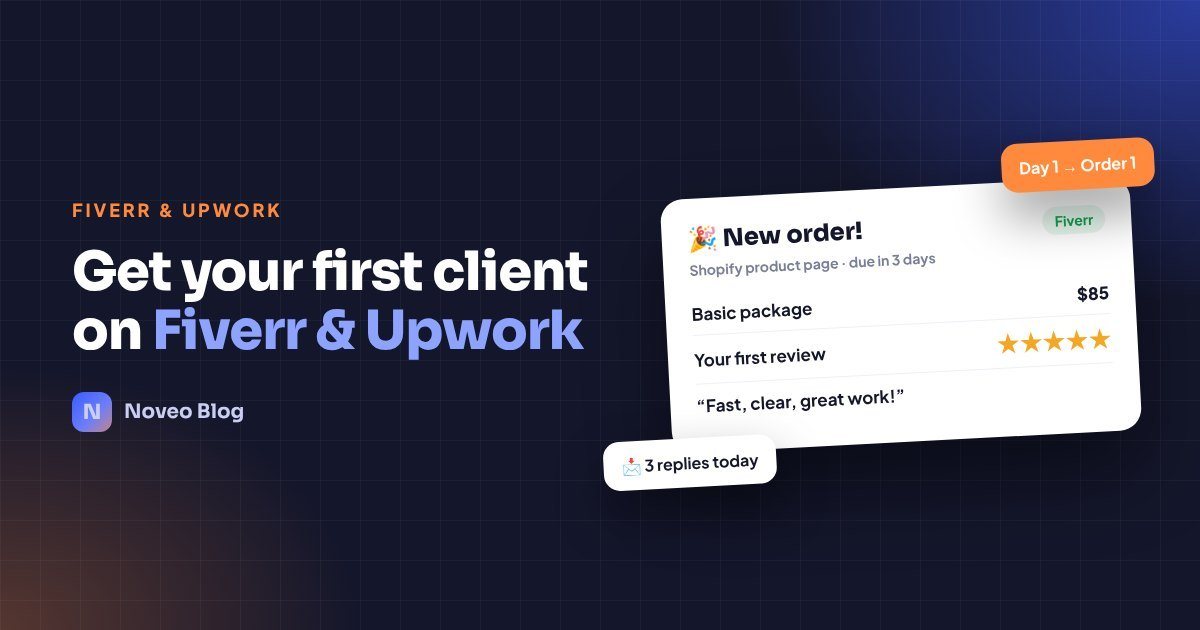 How to Get Your First Client on Fiverr and Upwork (Step-by-Step)No reviews yet? A simple 7-step routine to win your first Fiverr or Upwork client: one clear service, three samples, a strong profile and daily pitching.22 Oct 2026
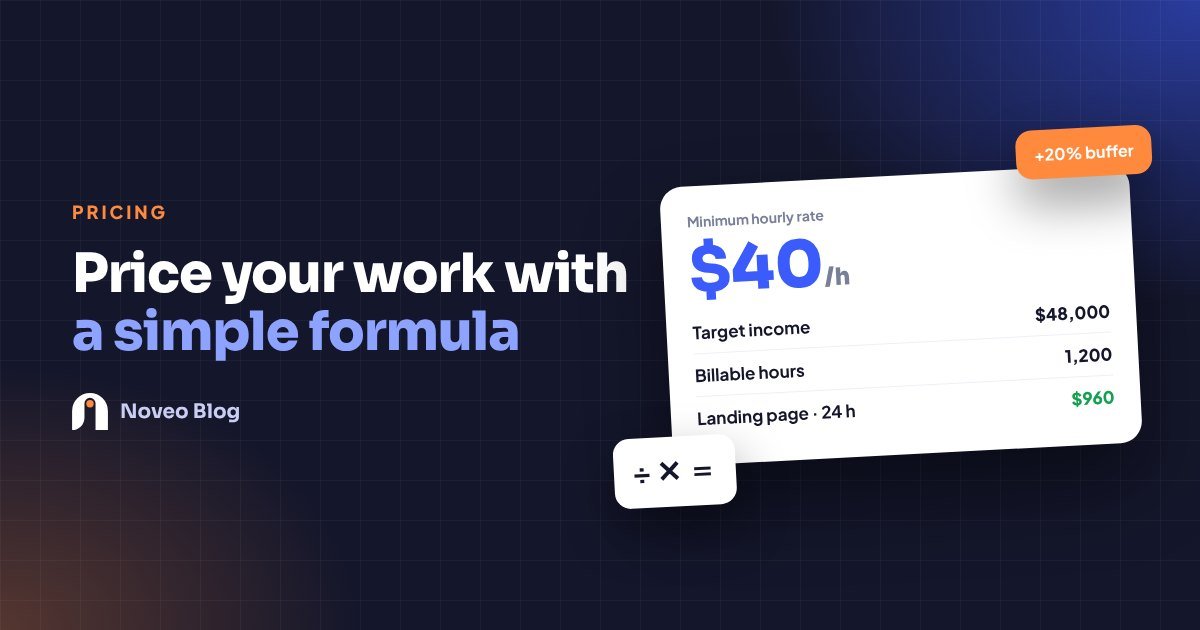 How to Price Your Freelance Work: A Simple Formula for Hourly and Project RatesStop guessing your rates. A clear, step-by-step way to set an hourly rate that covers your costs, with a free calculator and worked examples.22 Oct 2026
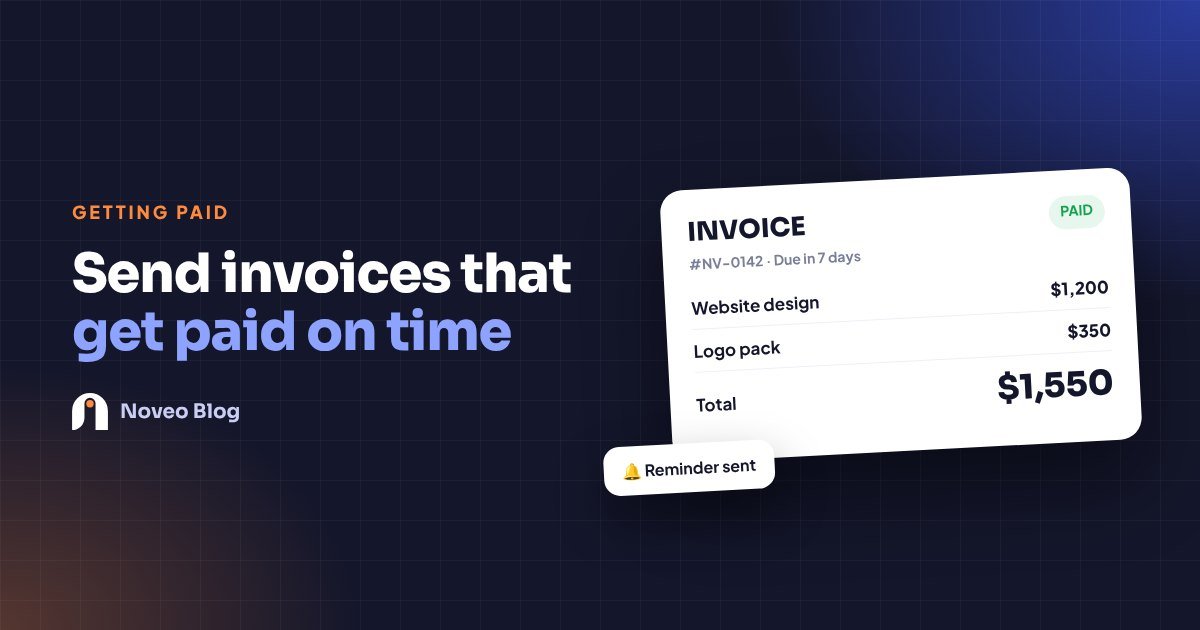 How to Send Professional Invoices as a Freelancer (and Get Paid Faster)A simple invoicing routine that looks professional, removes awkward follow-ups and helps clients pay you on time.20 Oct 2026
Questions
Still not sure? Ask us from Help & support inside the app.
Is there a free trial?
Yes. Every new account gets a free trial with every feature. When it ends, nothing is deleted. You can still open and download everything, and you pick Pro or Team to keep adding new work.
Where are my files stored?
Files you upload go to a “Noveo files” folder in your own Google Drive. Noveo can only see the files it put there, and you are never short of space on our side.
Why do you send me a code?
It is the second lock on your account. Choose email or WhatsApp. On a new device Noveo asks for the 6-digit code, so someone with your password still can’t get in.
Can I use it on my phone?
Yes. Noveo works in any phone browser. Add it to your home screen and it opens like an app.
How do I pay for Pro?
Go to Settings → Plan. You’ll see the ways you can pay there. Your plan switches on as soon as the payment is confirmed. Cancel any time.
Can my team use it?
Yes. Create a team workspace and invite up to 5 members by their Gmail. Each person logs in with their own Google account.
Can I get Pro free?
Yes. Invite freelancer friends with your link. When a friend signs up and verifies their account, both of you get free days of Pro.
Does my client need an account?
No. Your client opens a private link without signing up. They can approve work, accept a proposal or see an invoice. You can turn the link off any time.
Plan today. Deliver on time. Get paid.
Noveo is where freelancers keep their clients, projects, meetings and money. You log in, and the Today screen shows what to do next.
Start free with Google